
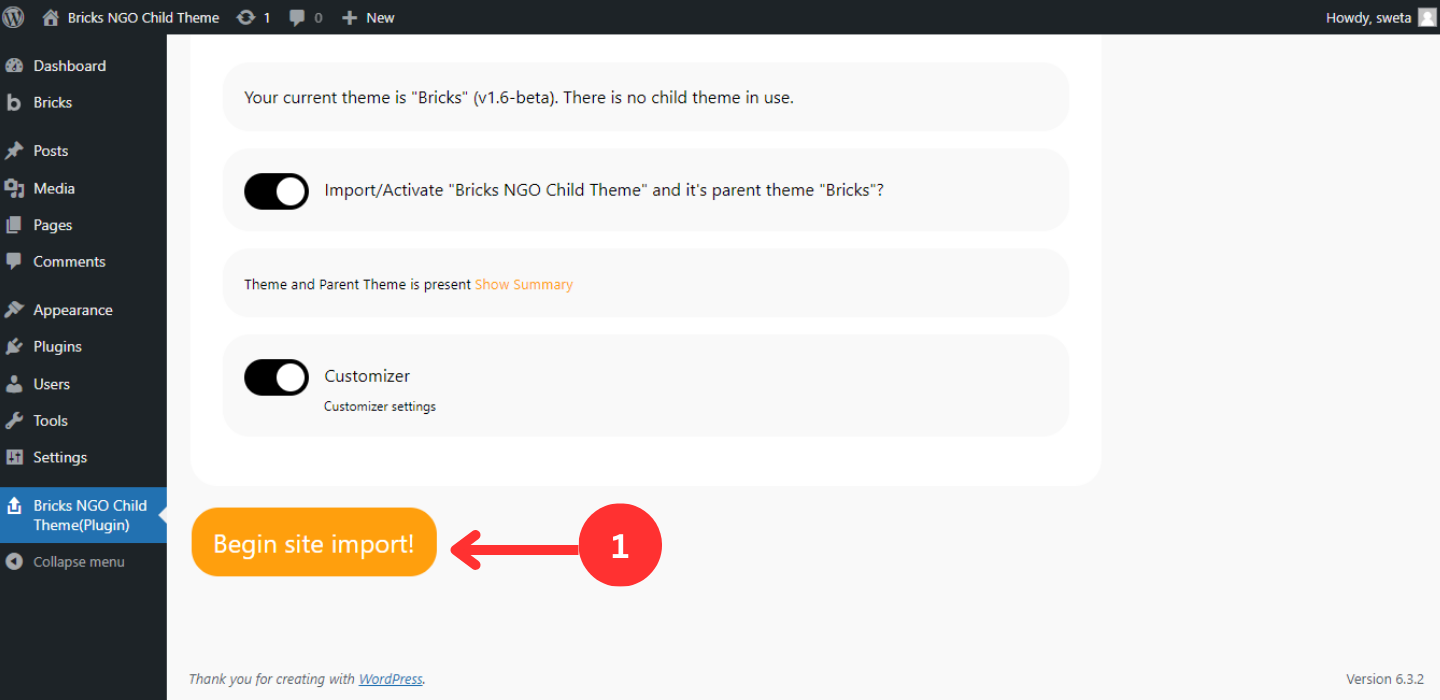
Again go back to the dashboard and this time you will see a new thing in your WordPress as you see in the screenshot below.
Click on the plugin and Begin Site Import!
See you at the next one.
SPECIAL OFFER - 15% OFF Limited Time Left Only. Use 15NOW
Search for any child theme documentation, installation or how to import the demo data etc...
< 1 min read
Again go back to the dashboard and this time you will see a new thing in your WordPress as you see in the screenshot below.
Click on the plugin and Begin Site Import!
See you at the next one.



2 comments
Hunter
Do we have to create the header/ footer ourselves after importing the data?
Lovish Gulati
No, in the NGO child theme we already have everything. Please go to Dashboard > Bricks > Templates > create new template and then make sure it’s template type is Header and import the NGO header after you click on edit with Bricks.
Hope this helps.
Thank you.
Comments are closed.